120+ Free Poster Mockups
Present your layout in style
Free poster mockups to help showcase your artwork and advertising designs realistically. Seamless download and easy editing.
view collection →
Free poster mockups to help showcase your artwork and advertising designs realistically. Seamless download and easy editing.
view collection →Give your designs an artistic presence with rich texture and gallery-style realism.
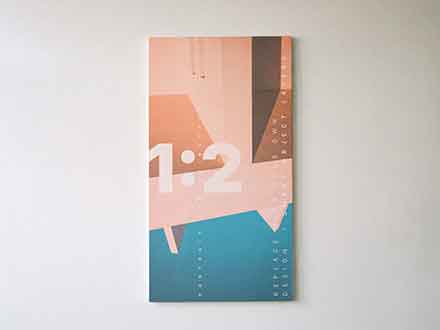
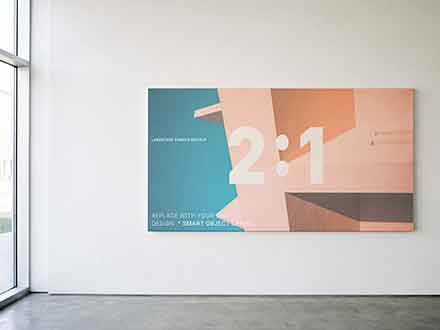


Showcase your poster designs in realistic pasted and street-style settings.


Present your designs in elegant frames for a minimal, professional look.
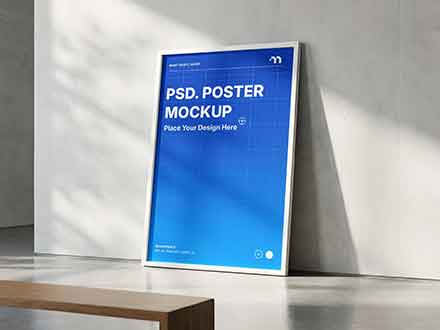


A poster is designed to be seen, but a flat artwork file does not always show how it will feel once it becomes a physical piece. Poster mockups let you present your designs as printed, mounted, framed, glued, or displayed artwork, giving your work the context and presence it deserves.
A good poster mockup does more than place your artwork inside a rectangle. It shows how the design behaves as a physical object, from the way light falls across the surface to how the poster sits against a wall, inside a frame, or among other printed pieces.
Posters can be presented in many different ways, and the presentation can become part of the creative direction. Choose a mockup that matches the atmosphere of the artwork or use an unexpected setting to give the design a completely different character.
These styles can completely change the feeling of the same design. A framed poster may feel premium and collectible, while the same artwork pasted onto a weathered wall can feel raw, cultural, or underground.
Poster mockups work just as well for a single hero design as they do for a complete campaign. The right presentation depends on whether you want to highlight one artwork or show how several designs work together.
Use a focused mockup when one poster needs to take centre stage. This is ideal for artwork with strong typography, illustration, photography, or a distinctive visual concept.
When several posters belong to the same campaign or visual identity, showing them together can communicate the system behind the designs. Use matching scenes, different angles, or layered compositions to create a cohesive presentation.
Straight-on views are useful when the artwork needs to remain easy to read, while angled scenes add depth and demonstrate how the print exists within a physical environment.
Most PSD poster mockups use Smart Objects to make artwork replacement simple. The mockup takes care of perspective, lighting, shadows, texture, folds, and other physical details while you focus on the artwork itself.
Some mockups include additional editable elements for frames, backgrounds, colors, or multiple poster designs. Check the layer structure before editing so you know which parts of the scene can be changed.
Real posters rarely look like perfectly flat digital rectangles. Paper has texture, walls have imperfections, frames create depth, and light changes the appearance of printed colors. A strong mockup recreates these details to make the final presentation feel convincing.
The environment surrounding a poster can become part of the story. A fashion campaign may benefit from an editorial setting, a concert poster can come alive on a city wall, and an art print may work better in a quiet gallery or home interior.
Poster mockups give your artwork a physical context without the cost and time of producing every variation in advance. Whether your design belongs in a gallery, on a storefront, in a studio, or across a city wall, the right mockup can make it feel like it is already there.