Business Card Mockups
Your Brand, Printed to Impress
Download free business card mockups to showcase your branding and stationery designs with realistic, fully editable PSD templates.
view collection →
Download free business card mockups to showcase your branding and stationery designs with realistic, fully editable PSD templates.
view collection →Business card mockups featuring smooth, rounded edges for a softer appearance. Perfect for modern, minimal, and friendly brand identities.


Folded business card mockups that provide multiple surfaces for showcasing designs. Suitable for presenting detailed branding, contact information, or creative concepts.


Unique business card mockups featuring unconventional shapes, materials, or presentation styles. Perfect for standout designs that go beyond traditional business cards.


Classic business card mockups featuring traditional rectangular layouts. Perfect for showcasing professional, clean, and versatile designs.
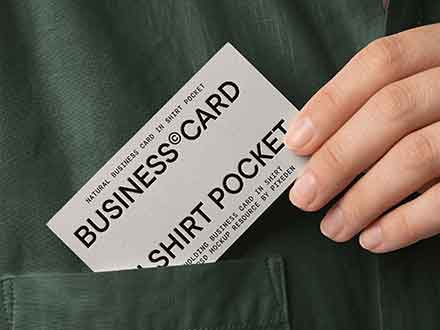
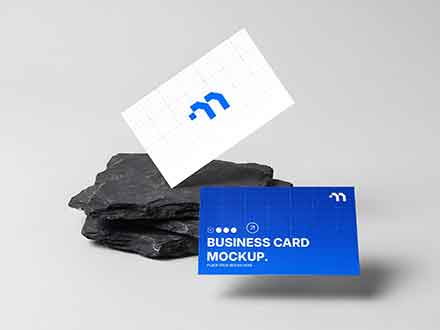


Modern square business card mockups with a distinctive, balanced format. Ideal for creative brands looking for a unique presentation.


Portrait-oriented business card mockups designed for a stylish and contemporary look. Great for showcasing elegant layouts, typography, and creative branding.


Business cards come in many shapes, formats, and finishes, and the right mockup can make all the difference in how the design is presented. From classic horizontal cards and rounded corners to vertical layouts, folded cards, stacked cards, and more creative formats, business card mockups let you see how your identity works beyond a flat design file.
The mockup you choose should reflect the actual format of your design. A simple card may only need one artwork layer, while a folded or double-sided card may require several areas to be filled in order to show the complete design.
Every mockup is built a little differently depending on the type of business card being presented. Some designs are intentionally simple, with one Smart Object that lets you replace the entire visible card artwork. Others use multiple Smart Objects so each side or section can be customized separately.
For a straightforward business card presentation, one Smart Object may be all you need. Replace the placeholder artwork with your design and the mockup automatically applies the correct perspective, lighting, shadows, and effects.
Double-sided business card mockups may use separate Smart Objects for the front and back of the card. This allows you to add different artwork to each side while keeping both sides perfectly positioned within the scene.
Folded business cards can require several Smart Objects. Depending on the mockup, you may need to add artwork for the front, back, and inner sections of the card to create a complete presentation.
The number of Smart Objects varies from mockup to mockup. Always check the layer names and instructions included with the file to see which areas of your business card need to be replaced.
Our PSD business card mockups are designed to make replacing your artwork as straightforward as possible. Open the file in Photoshop or Photopea and look for layers marked with a Smart Object icon or names such as your design here, replace design, front, back, or edit me.
If the mockup includes several editable areas, take a moment to identify what each one represents before replacing the artwork. A folded card might have separate layers for the front, back, and inside, while a standard double-sided card may simply have one Smart Object for each side.
Once your artwork is in place, you can often customize additional elements such as the background, card color, shadows, highlights, and lighting. These details can help match the mockup to the visual style of your brand and make the final presentation feel more authentic.
Business card mockups are ultimately about seeing the design as a physical object. Use them to check proportions, hierarchy, readability, and overall impact. Finally, use your print-ready artwork when you're ready to send the cards to production.